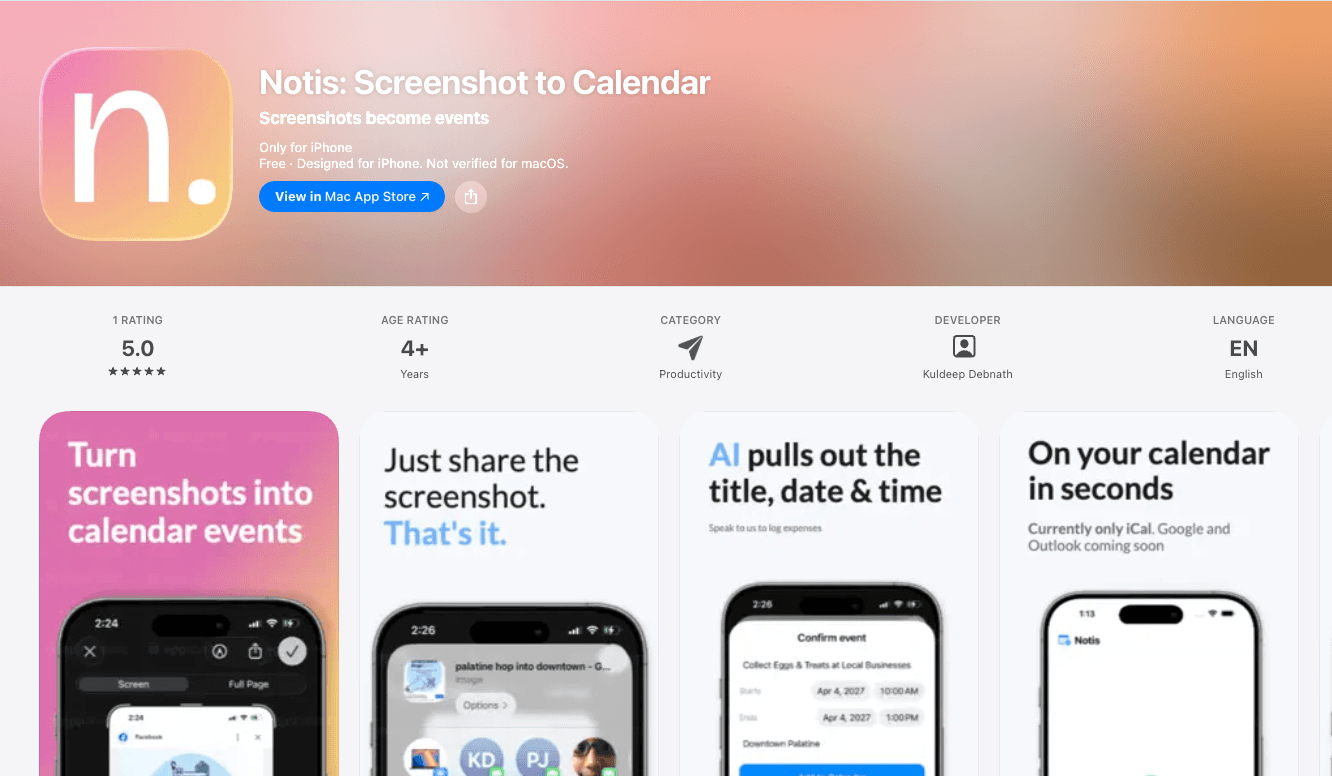
Notis
- Team
Kuldeep Debnath
- Date
- May 2026
- Event
- Personal Project
iOS app that turns any screenshot into a calendar event instantly. Built for people scrolling LinkedIn and social media who spot an event and want it saved to their calendar before they keep scrolling.
Overview
You're scrolling LinkedIn and see a webinar post with a date. Or a DM from a friend about a concert. By the time you switch to your calendar and type it in, you've already moved on.
Notis fixes that. Screenshot anything with a date, share it to Notis, and it extracts the title, time, and location in seconds. Review the details, tap Add to Calendar, done. It adds to Apple Calendar, Google Calendar, or both at once.
Shipped to the App Store with 200+ users in the first 5 days, all organic. No paid ads. Built in public and actively iterating based on feedback from early users and social media.
Challenge
The hardest part is not the OCR. It's reliably parsing structured event data out of wildly different screenshot formats (LinkedIn posts, DMs, flyers, email screenshots) without false positives from UI chrome, status bar timestamps, and unrelated numbers.
Approach
A three-tier extraction pipeline degrades gracefully: Apple Vision handles on-device OCR with smart filtering to strip status-bar clocks and social media noise, then Foundation Models (on supported hardware) parses the text locally, then Cloudflare Worker AI handles older devices, with a final offline heuristic layer using NSDataDetector and regex as the last fallback.
Obstacles
Screenshots from social media are full of noise: timestamps, engagement counts, profile info, UI labels, all of which look like potential event data.
Built a filtering layer on top of Apple Vision that strips known non-event patterns before the AI parsing stage, tuned specifically for LinkedIn and social media layouts.
Timezone detection is ambiguous when a screenshot doesn't state one explicitly.
The parser infers timezone from contextual clues and surfaces it on the review screen so the user can override with one tap before saving.
Results
200+ users in the first 5 days, all organic. Active on the App Store. Iterating weekly based on user feedback from social media and early adopters. Ships with a Share Extension (works from any app), multi-event detection, dual calendar support, and full offline fallback.
Features
- Share Extension: works from Photos, Safari, LinkedIn, Messages, anywhere.
- Multi-event detection: finds every event in a single screenshot at once.
- Dual calendar support: Apple Calendar, Google Calendar, or both simultaneously.
- Timezone-aware: detects source timezone and lets the user override it.
- Privacy-first: fully on-device on iPhone 15 Pro+ running iOS 26+.
- No account required: zero setup, no ads, no tracking.
- Event history: tap any saved event to jump straight to it in the Calendar app.
Tech stack
- Swift / SwiftUI
- Apple Vision (on-device OCR)
- Foundation Models (on-device AI, iPhone 15 Pro+, iOS 26+)
- Cloudflare Workers AI (fallback for older devices)
- NSDataDetector + regex (offline fallback)
- EventKit (Apple Calendar)
- Google Calendar API v3
- OAuth 2.0 PKCE